
Contents
How to create a pipeline
Time to get started. We need to make a pipeline.
What is a pipeline?
A pipeline is a process that runs every day and prepares our data.
For GA4 it takes the raw GA4 event data and turns it into a set of pre-constructed tables which are simple to use.
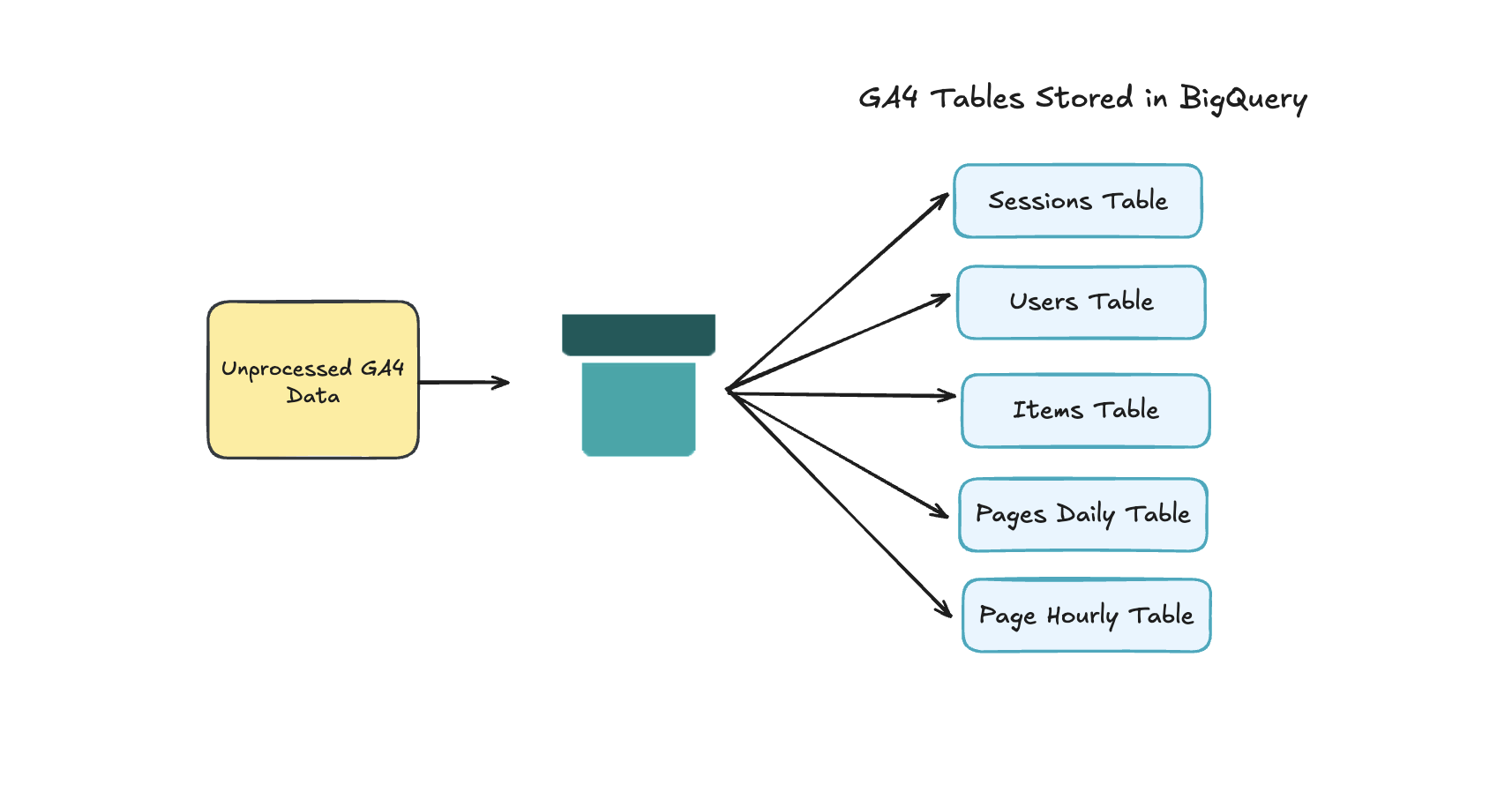
Step by Step
1. Open the app
Start off by opening the app: https://line.pipedout.com/
2. Choose a Plan
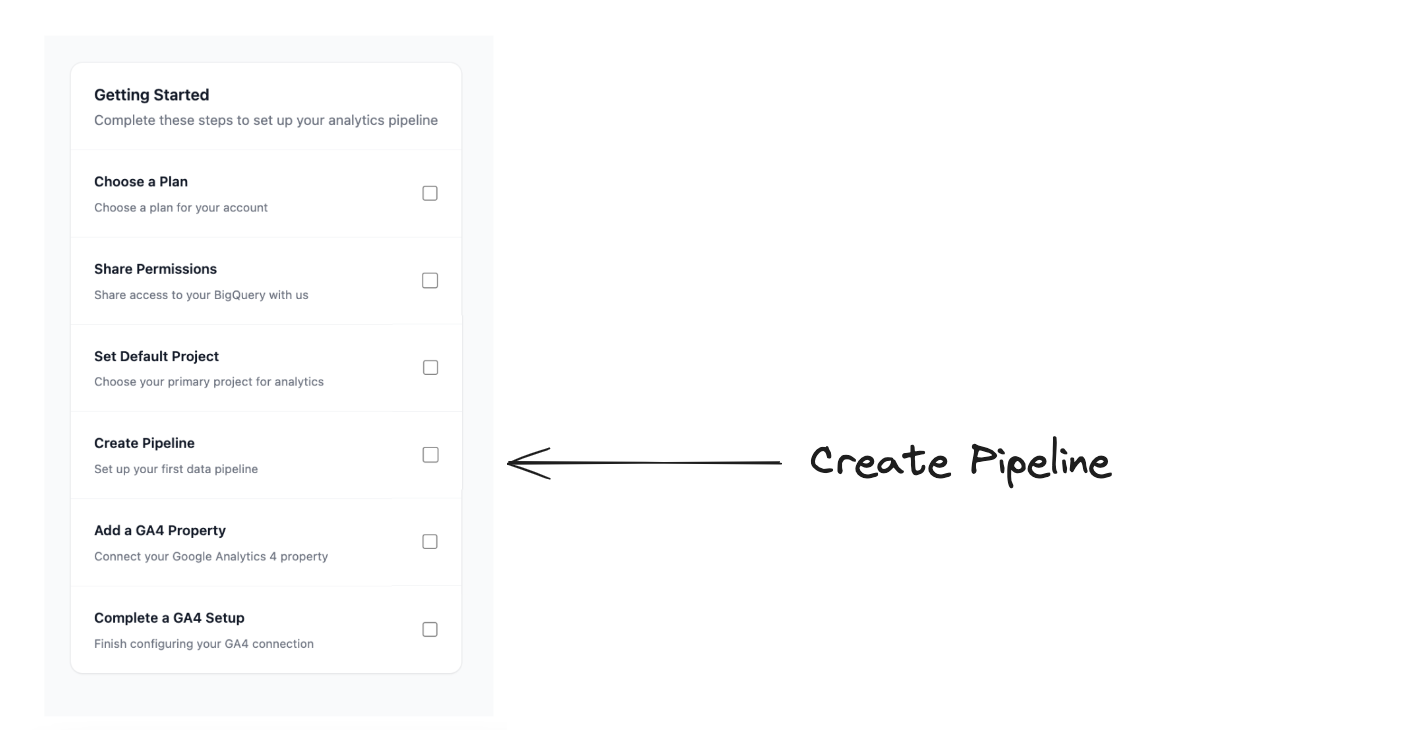
If you've opened the app for the first time, you'll be presented with a checklist of things to do.
The first of these is to Choose a Plan.
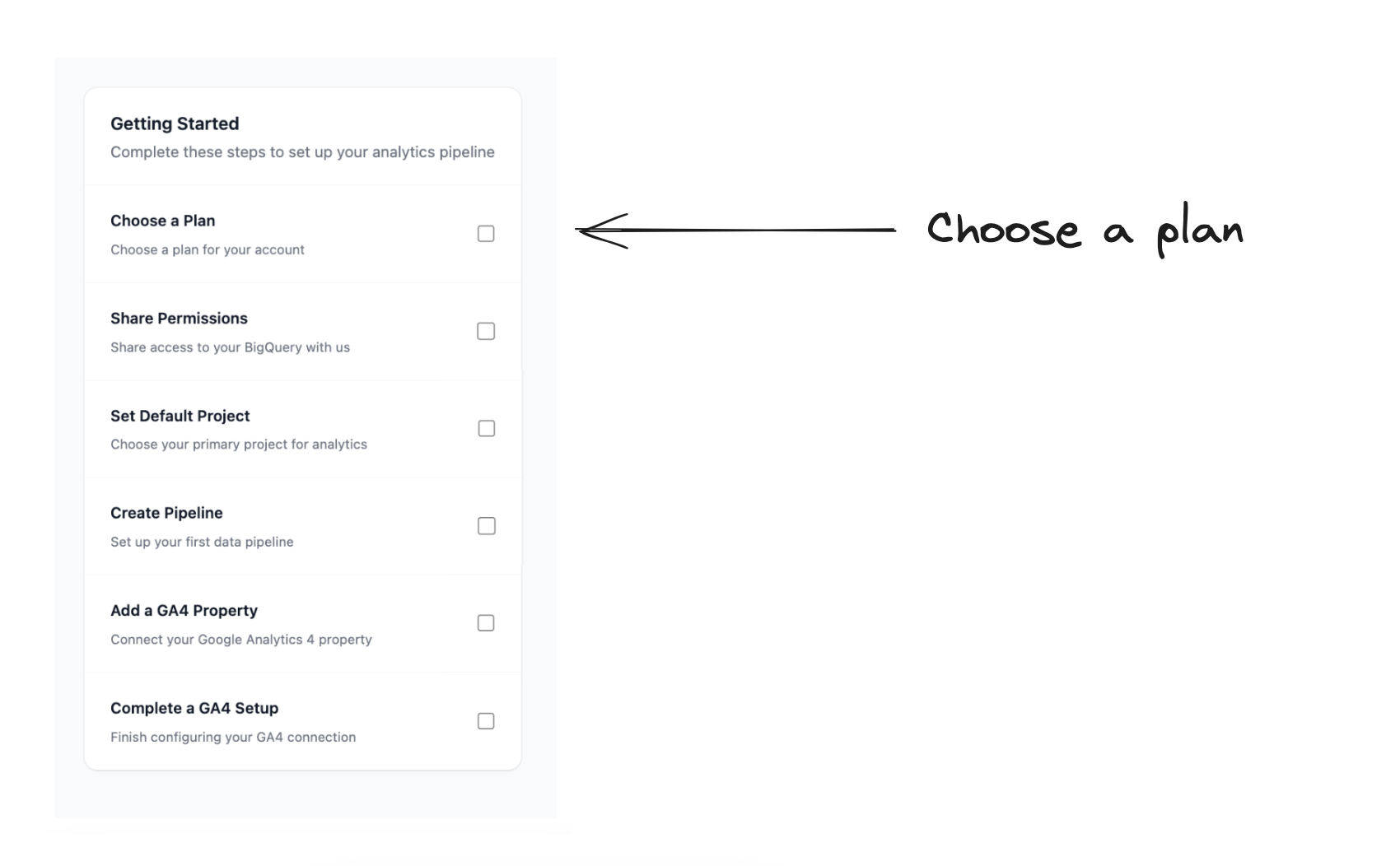
Here, you'll (unsuprisingly) need to select the best plan for you.
3. Share Permissions
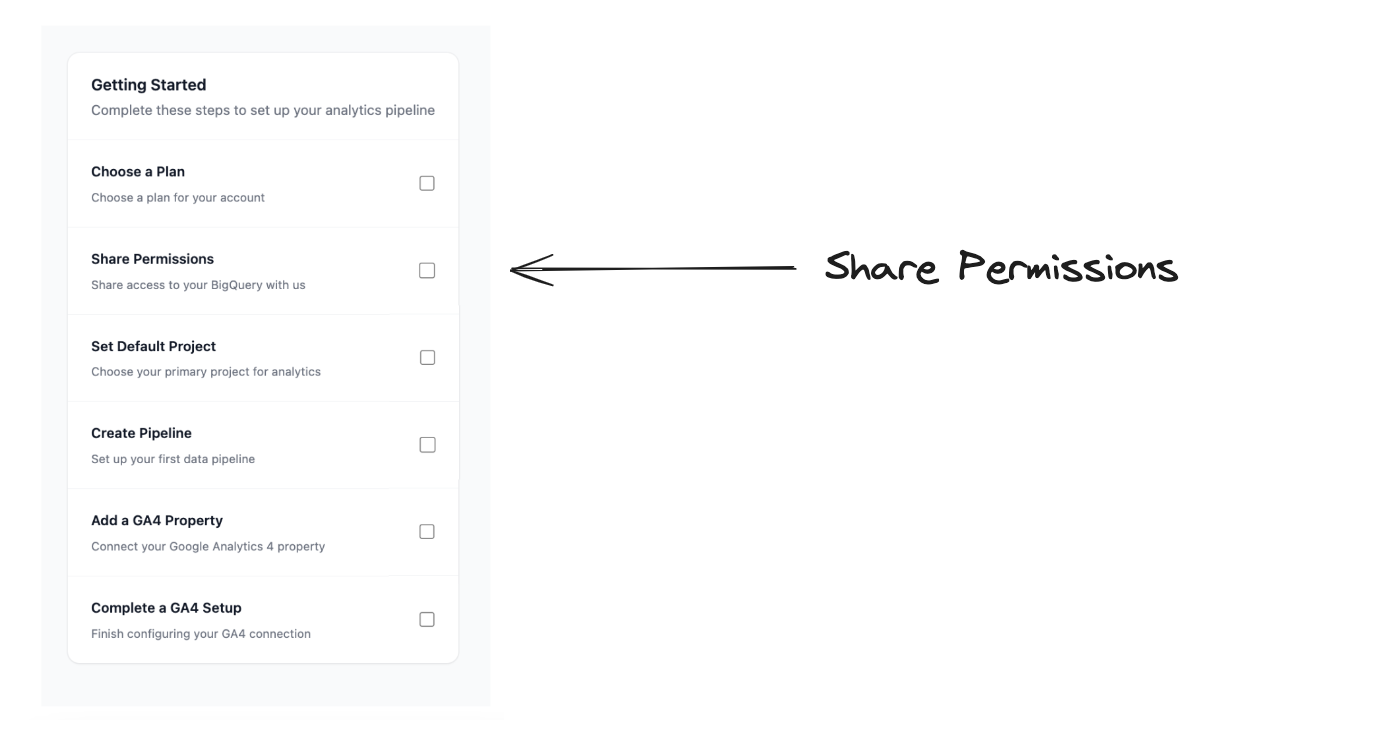
Now we need to share the necessary permissions.
If this is one of your first times visiting the checklist will appear.
If not, you'll need to follow these steps.
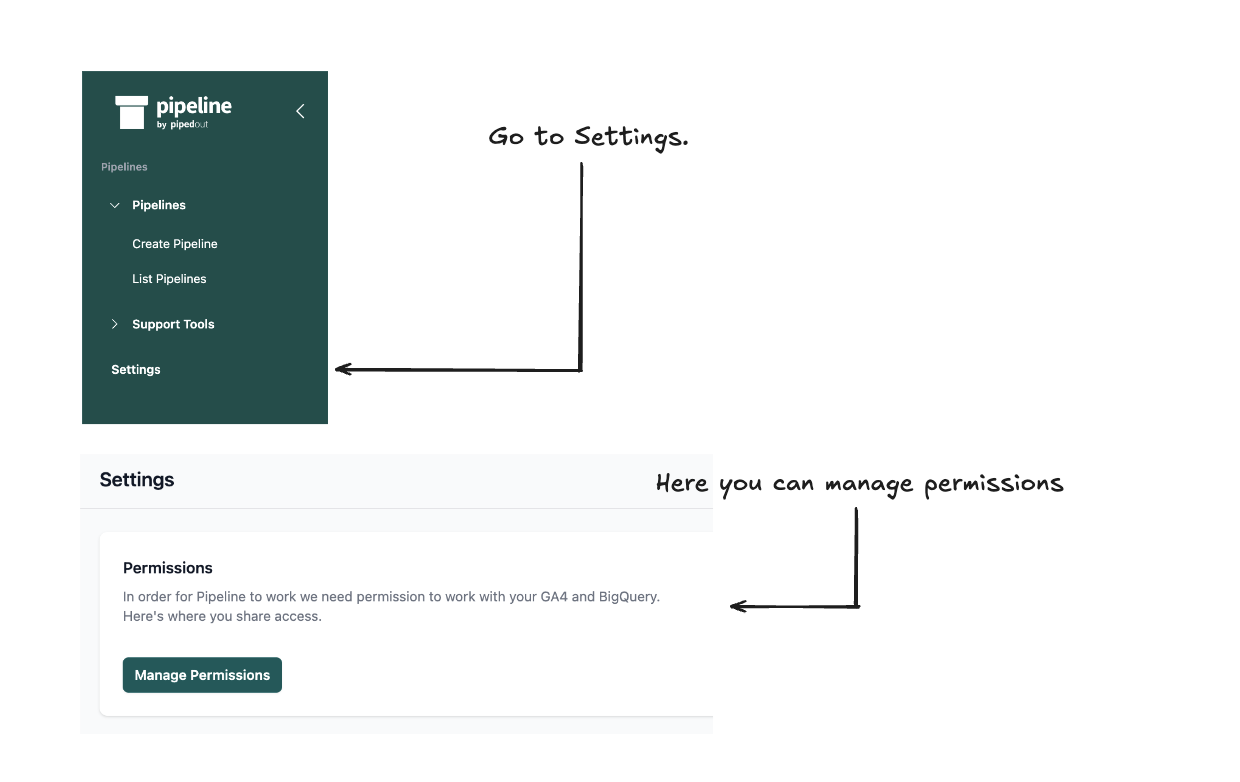
You'll be able to follow the steps here to make this work.
4. Create a new pipeline
You'll be able to see this in the checklist.
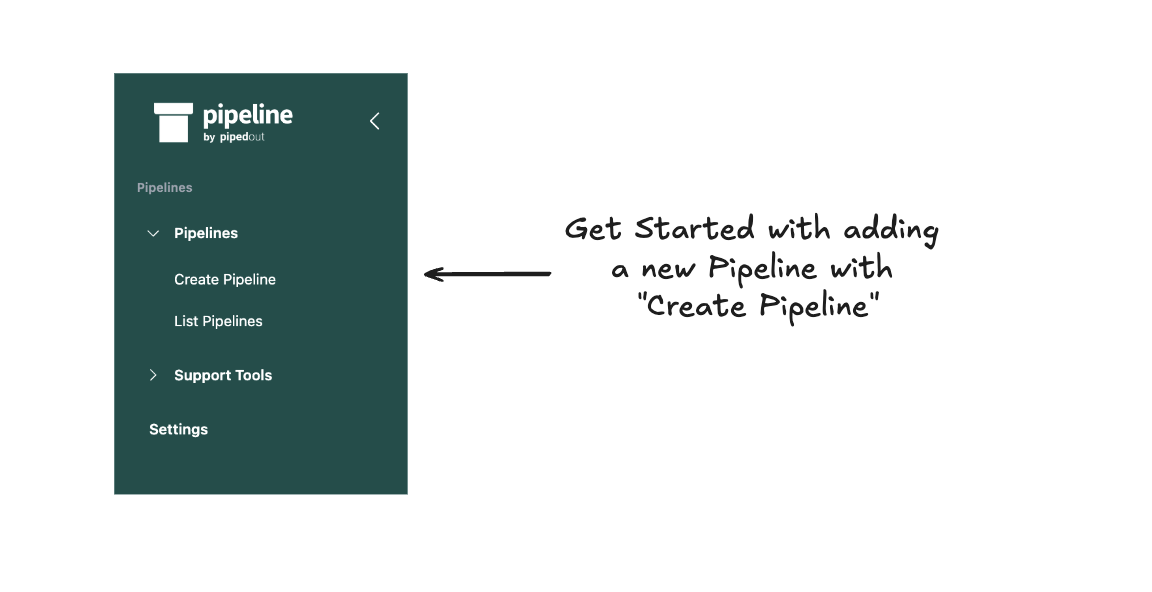
Or you can use the interface to head to the create pipeline page.
5. Choosing your pipelines name
Typically you’ll want a single pipeline per site.
A good name is often the name of the website you're reporting on.
This pipeline could include multiple GA4 properties if they're all for the same site and should be reported on together. (e.g. if you have one for the blog, marketing subdomain & main site).
If you have group of sites you might want to report on together, then that's also a good name.
Example Names:
The names have to be underscores and letters/numbers.
my_ecommerce_store_comemea_microsites

6. Set the Google Project you’ll build the pipeline in
Select the Google Cloud Project ID where you want to save your data.

7. Choose the dataset you’ll build the pipeline in
Select a BigQuery Dataset where you want to store your processed data.
You can create a new dataset using the link in the description.

The dataset will automatically populate based on the dataset.

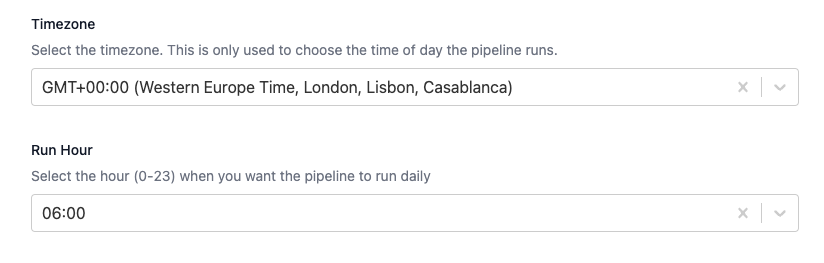
8. Choose when your pipeline runs
You’ll need to select your timezone and the hour of the day you want the pipeline to run at.
By default something like 6:00AM in your timezone is sensible.
Then you’re good to create!
